How to Make a Duolingo-Style Mascot for Your App
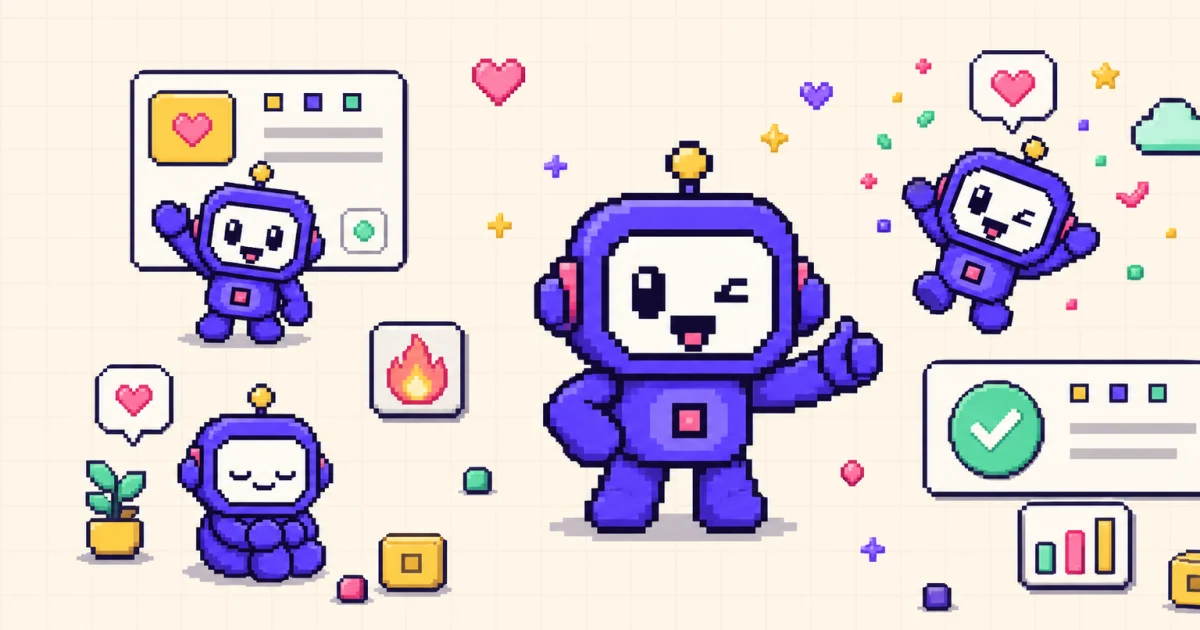
An app can teach, remind, and reward without ever feeling cold, and a well-made character is a big part of how. Duolingo made this obvious: its owl reacts to what you do, celebrates a streak, and nudges you back when you drift. You can build the same kind of reactive character for your own product without hiring an animator.
This guide breaks down what makes that style of mascot work, then walks through designing one, mapping animations to product events, and generating the loops with an AI app character creator.
TL;DR
TL;DR: A Duolingo-style mascot is a simple, expressive animated character that reacts to what the user does - celebrating streaks, encouraging retries, guiding onboarding. You can build one by defining a simple silhouette and 2-3 core emotions, then generating animation loops with an AI mascot generator like Motif instead of hiring an animator.
What makes Duo work
Duolingo's mascot is easy to admire and easy to misread. The lesson is not the owl itself; it is the system around it. Four traits do most of the work.
- A simple silhouette. The character reads instantly at small sizes and in a single glance. You could recognize it as a black shape with no color or detail, which is the test any app mascot should pass.
- Exaggerated emotion. Expressions are big and unambiguous. Happy is very happy, sad is very sad. That clarity lets a tiny character communicate a feeling without text.
- Reactive animation tied to user actions. The mascot does not just sit there. It responds to what you do, which is what separates a character from a sticker. A correct answer, a finished lesson, or a missed day each gets its own reaction.
- A consistent character across contexts. Whether it appears in a lesson, a push notification, or a marketing image, it stays on model. Same proportions, same palette, same personality.
The takeaway is that a Duolingo-style mascot is a small, expressive character with a defined set of reactions, used consistently. For the broader case on when a character earns its place in a product, see why your app needs a mascot.
Step 1: Design the character
Before any animation, decide who the character is. Three choices define most of the identity.
Species or shape. Pick something with a distinctive outline. An animal, a friendly object, a robot, or an abstract blob can all work, as long as the silhouette is unique enough to recognize at 40 to 80 pixels. Resist the urge to add fingers, accessories, and texture. Detail that looks great in a large illustration disappears at icon size and makes animation harder.
Palette. Choose a small, brand-aligned color set, usually two or three main colors plus a neutral. A limited palette keeps the character coherent across frames and readable on both light and dark backgrounds. Define how the character sits on each surface so it never vanishes in dark mode.
Expression range. Sketch the face in a few core states before committing: neutral, happy, and encouraging is enough to start. Keep facial features simple and placed the same way every time, because inconsistent eyes or mouth position is the fastest way for a character to look like a different character. Write these rules into a short character sheet so every future pose stays on model.
The goal at this stage is a character that is boring to describe and instantly recognizable to see. If you can sum it up in one sentence - "a round purple robot with big round eyes and a single antenna" - you have enough to animate.
Step 2: Define the emotional moments
A Duolingo-style mascot is defined by when it reacts, not just how it looks. Map each animation to a specific product event so the character always has a job.
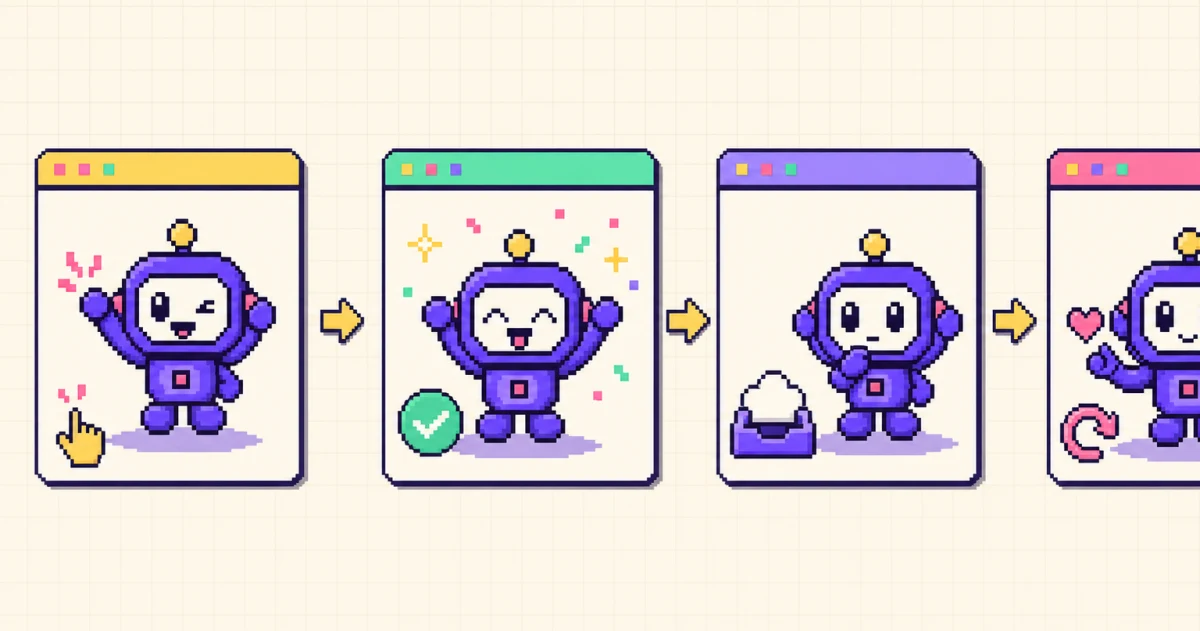
- Welcome. A wave or a small bounce during onboarding, introducing the character and setting a friendly tone.
- Success. A celebration after a meaningful action: a completed task, a purchase, a finished lesson. This is the reward moment, so make the emotion big.
- Streak or progress. A proud or energetic pose when the user keeps a habit going, reinforcing the behavior you want repeated.
- Empty state. A calm idle or curious pose that makes "nothing here yet" feel intentional and points to a next step instead of a dead end.
- Error or encouragement. A gentle, supportive reaction after a mistake or failure. The tone matters: acknowledge the friction, then encourage another try rather than scolding.
Notice that this is a short list. Three to five well-placed reactions cover most apps, and mapping them to real events is what makes the character feel alive instead of decorative. Avoid the temptation to animate every screen; a reaction means more when it is not constant. For the strategy behind choosing these moments and measuring them, why your app needs a mascot goes deeper.
Step 3: Generate the animation loops
Once you know the character and the moments, you need the actual loops. This is where an AI app character creator replaces the traditional illustrate-rig-render pipeline.
In Motif, you start by describing the character in plain English or uploading a reference image. A useful prompt names the species or object and its defining traits, for example: "a round purple robot mascot with big round eyes, a single antenna, flat shapes, and a thick dark outline." If you already have a brand character, upload a clean reference with the full silhouette visible and generate a still test first, then compare eyes, colors, and proportions before creating motion.
Next, pick an action for each of your mapped moments - waving for the welcome, celebrating for success, sleeping or a calm idle for an empty state, and so on. Motif generates a sprite sheet for each action, removes the background, and normalizes the frames so the character does not drift or jump during playback. Preview every loop at its real in-app size and check for a consistent face across frames, a clean loop with no visible snap, and enough contrast on both light and dark surfaces.
Because the output is a sprite sheet with per-platform export, you get app-ready assets rather than a raw video you still have to slice. If you are deciding between this and a freelancer, Motif vs hiring an animator compares cost, speed, and control directly, and the best animated mascot generators surveys the wider field of tools.
Step 4: Ship it in your app
Generating the loops is only useful if they drop into your product cleanly. Motif exports platform-native bundles so you are not converting loose frames by hand.
- iOS: an Xcode
.imagesetat @1x, @2x, and @3x plus a generated SwiftUI view that plays the loop, so you drag the folders intoAssets.xcassetsand render the view. - Android: density-aware WebP drawables and an
animation-listyou can play withAnimationDrawable. - Web: animated WebP, APNG, or a CSS
steps()sprite animation with explicit width and height to prevent layout shift. - Unity and Godot: a sprite atlas with frame metadata and import guidance for games.
Rename each animation around its purpose, such as onboarding_wave or streak_celebrate, so it is obvious where it belongs. For the full platform-by-platform walkthrough, including code samples, read how to add an animated mascot to your app.
Mistakes to avoid
Copying Duo too literally. Study the system, not the owl. Duolingo's specific character, name, and artwork are protected by trademark and copyright, so do not use Duolingo assets or clone the owl. Build an original character with its own species, shape, and palette. The reactive-animation approach is fair game; the artwork is not.
Over-animating. A reaction at every tap turns a memorable character into visual noise and can slow the interface. Reserve motion for the moments that matter, keep loops short, and let most screens stay calm.
Ignoring reduce-motion. Some users enable Reduce Motion or set prefers-reduced-motion, and some networks fail to load an animation at all. Always provide a still fallback frame, and never make motion the only way to understand a status. Pair meaningful states with a short text label so the interface is complete without the animation.
Frequently asked questions
What is a Duolingo-style mascot?
A Duolingo-style mascot is a simple, expressive animated character that reacts to what the user does inside an app. It celebrates progress, encourages retries, and guides onboarding using a small set of emotions tied to specific product events rather than static decoration.
Is it legal to make a mascot inspired by Duolingo?
You can build a mascot inspired by the general approach Duolingo uses, such as a simple silhouette and reactive animation, because ideas and methods are not protected. You cannot copy Duolingo's owl character, name, or artwork, since those are protected by trademark and copyright. Design an original character with its own species, shape, and palette.
How many animations does an app mascot need?
Most apps can start with three to five animations mapped to key moments: a welcome, a success or celebration, an idle or empty state, and an error or encouragement pose. Adding more later is easy once the core character is consistent, so it is better to ship a small set well than a large set poorly.
How much does a Duolingo-style mascot cost to make?
Cost depends on process and scope. Commissioning a character designer and animator can involve design, revisions, rigging, and multiple loops billed over weeks. An AI app character creator can produce animation loops in minutes for the price of a subscription, which lowers the cost of early concepts and app-ready sprites.
What tool creates an animated app character without an animator?
An AI mascot generator like Motif turns a text description or reference image into animated sprite loops and platform-ready bundles. You describe a character, pick an action such as waving or celebrating, and export assets for iOS, Android, web, Unity, or Godot without hiring an animator.
Do mascots actually improve retention?
A mascot can support retention by making onboarding warmer and success moments more rewarding, but it is not a guaranteed lift. Its impact depends on the character, the product context, and how well the animations match real user actions, so treat retention as a hypothesis to measure rather than an automatic outcome.
Start with one reaction
You do not need Duolingo's budget to get Duolingo's effect. Design a simple, recognizable character, map three to five reactions to the moments that matter, and generate the loops instead of animating them by hand. Ship the highest-value reaction first, measure whether users notice, then expand the same visual language across the app.
Create your app mascot with Motif and export a ready-to-integrate bundle in minutes.